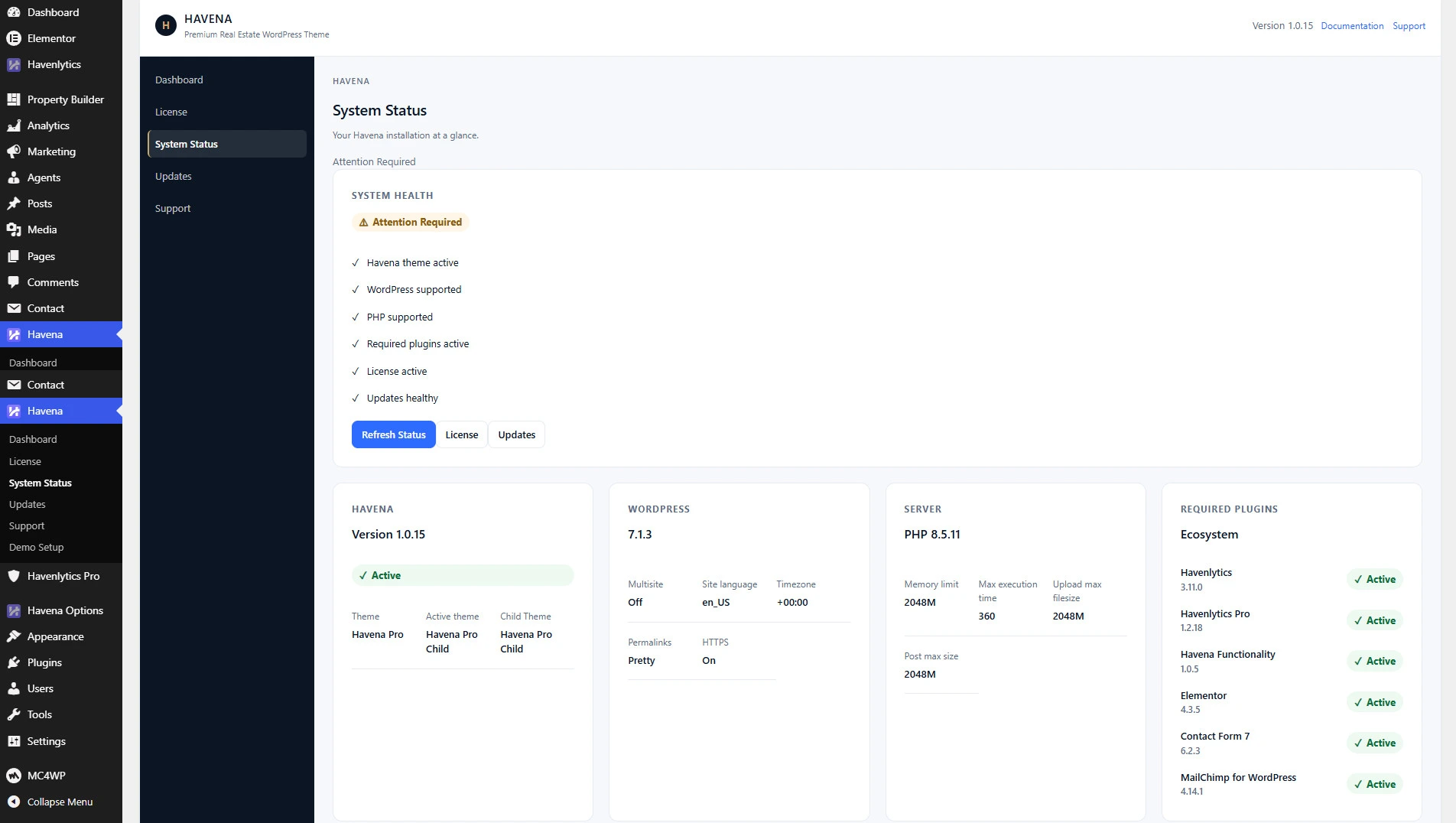
Havena Pro reports updates from the Havena admin menu. License activation stays on Havena → License and is a separate step from checking updates.
Where to look
- In wp-admin, open Havena → System Status. This screen is read-only and includes the update-service state.
- If updates are not being offered, the status label is Update service unavailable. The product message is: “Automatic premium updates will become available when the Havena update service is enabled.” That is an environment state. It is not caused by a child theme.
- Open Havena → Updates for the updates screen. Use it only when System Status shows the service is available.
Before you update
- Back up the site.
- Keep customizations in a child theme. Do not edit Havena Pro parent files.
- Update Havenlytics Free and Havenlytics Pro together when a release says they must match, then recheck a property page.
Related: Activate your license.