Saved Properties
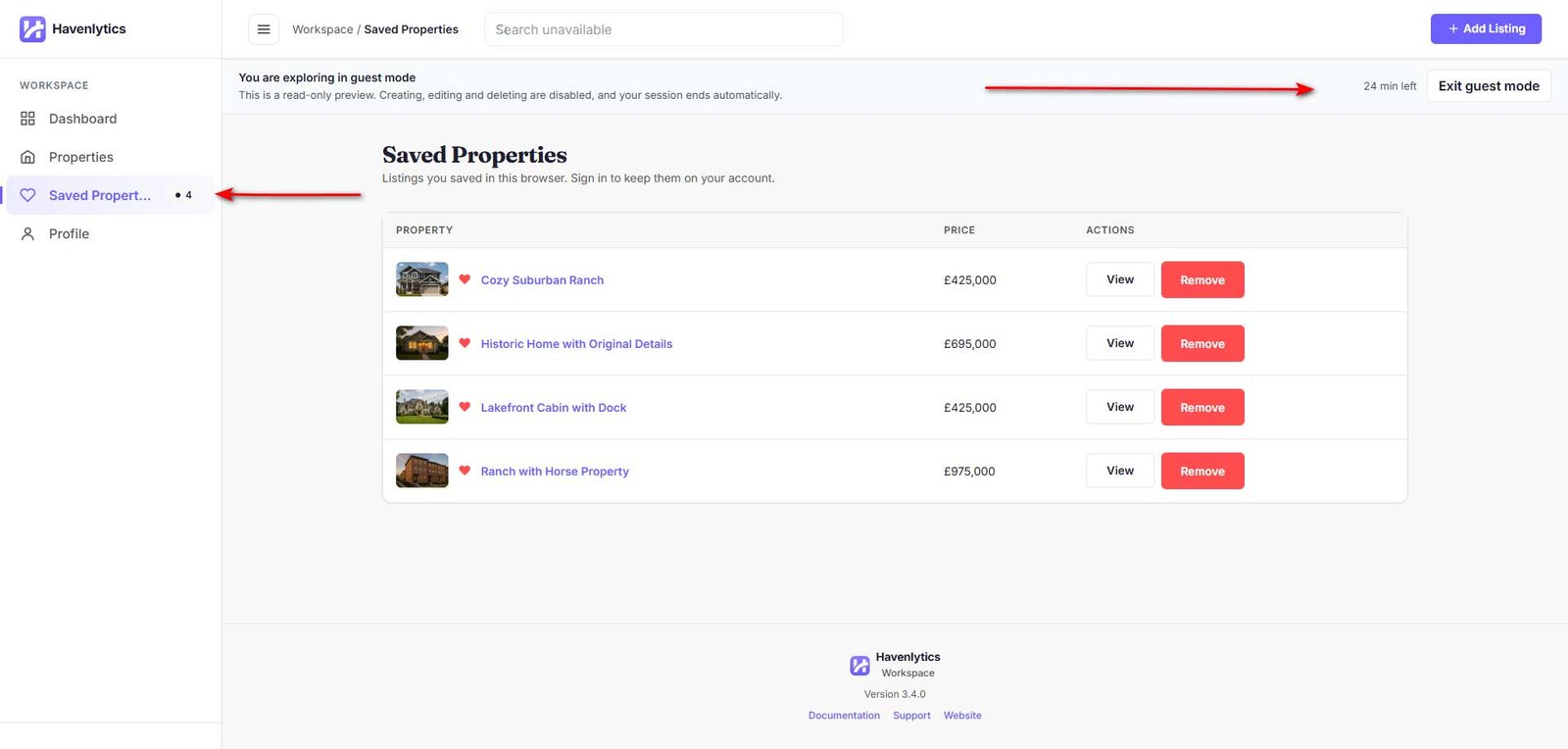
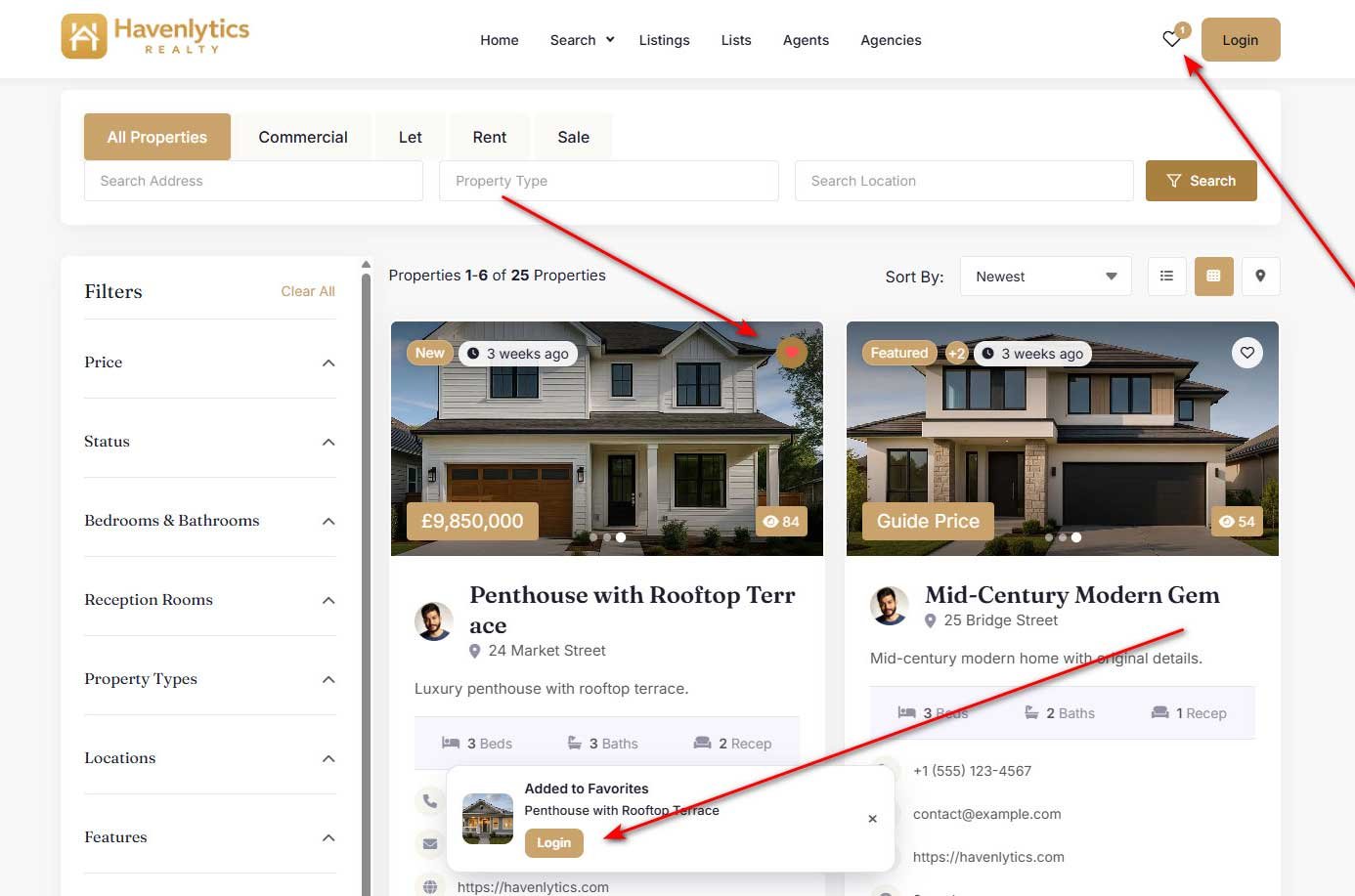
Saved Properties (favorites) let anyone bookmark listings by selecting the heart icon on property cards, search results, and single property pages. Only published properties can be saved. Favorites keep working even if the Agent Workspace is disabled — only the Saved Properties page itself lives inside the workspace.
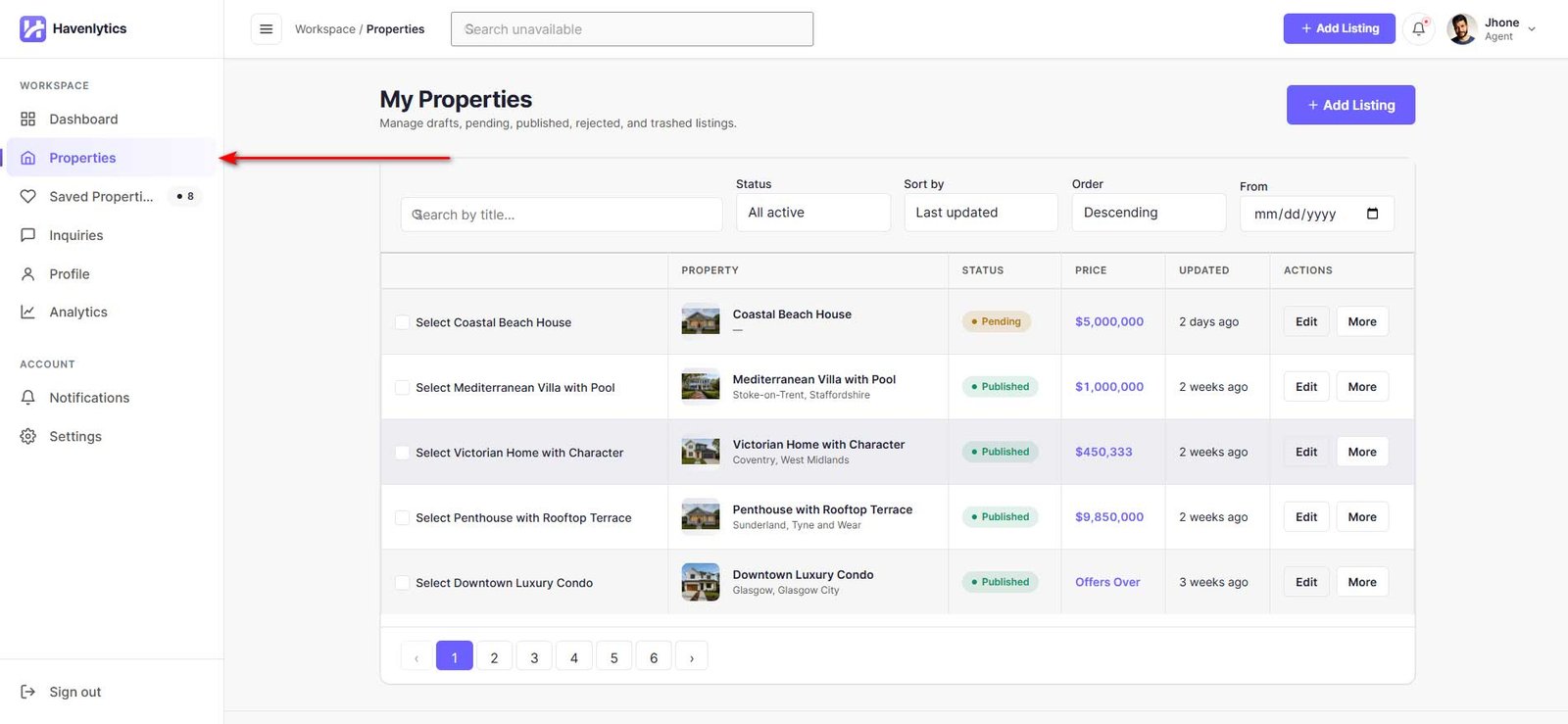
The Saved Properties page in the workspace lists everything you have saved, 12 per page, with columns for Property, Price, Status, Agent, and date Saved. Sort by Recently saved, Title, Price, or Date listed. Each row offers View and Remove (with an Undo toast). The single-property Save button is controlled by the “Allow users to save properties” setting.
Agent Favorites
For signed-in users, favorites are stored server-side in a dedicated database table, so they follow the user across devices and browsers. Each user can save up to 5,000 properties by default.
Guest Favorites
Visitors who are not signed in can still save properties. Guest favorites are stored in the browser’s localStorage (up to 100), survive page refreshes, and merge into the user’s account automatically on first sign-in — nothing is lost when a guest creates an account.