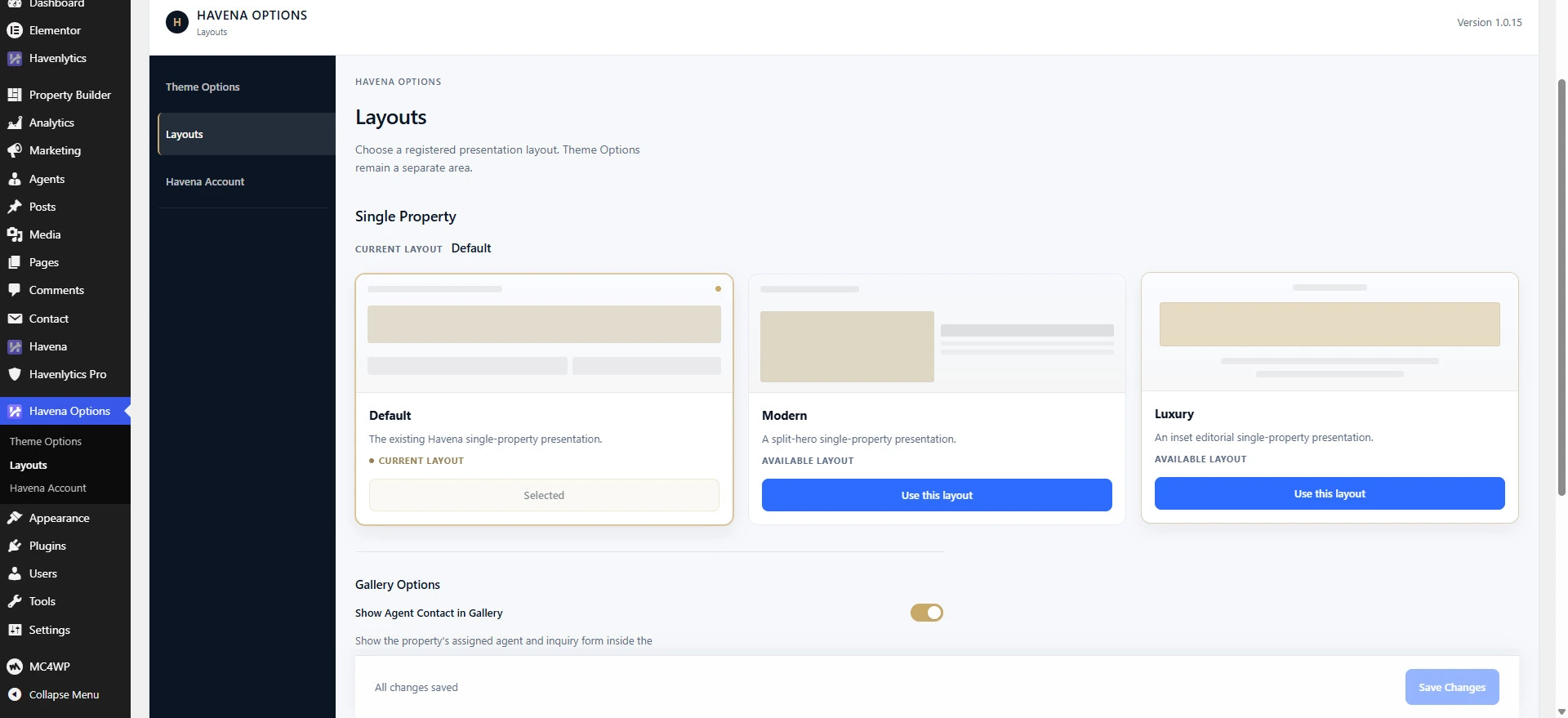
The Single property layout control chooses how a Havenlytics listing is presented. The choices are Default, Modern, and Luxury.
- Default — the existing Havena single-property presentation.
- Modern — a split-hero presentation.
- Luxury — an inset editorial presentation.
Steps (primary path)
- Publish at least one property in Havenlytics so you can preview.
- Open Havena Options → Layouts.
- Under Single property layout (Single Property), select Default, Modern, or Luxury.
- Save changes, then open that property on the front end. You should see the layout you selected.
Alternative during onboarding
While running Havena → Setup, the same registry value is also offered under the Style tab as Starting Layout (Default, Modern, or Luxury). After setup, prefer Havena Options → Layouts for ongoing changes.
What this does not change
Price, photos, and the assigned agent still come from Havenlytics. One listing can differ from the global choice; see per-property presentation.