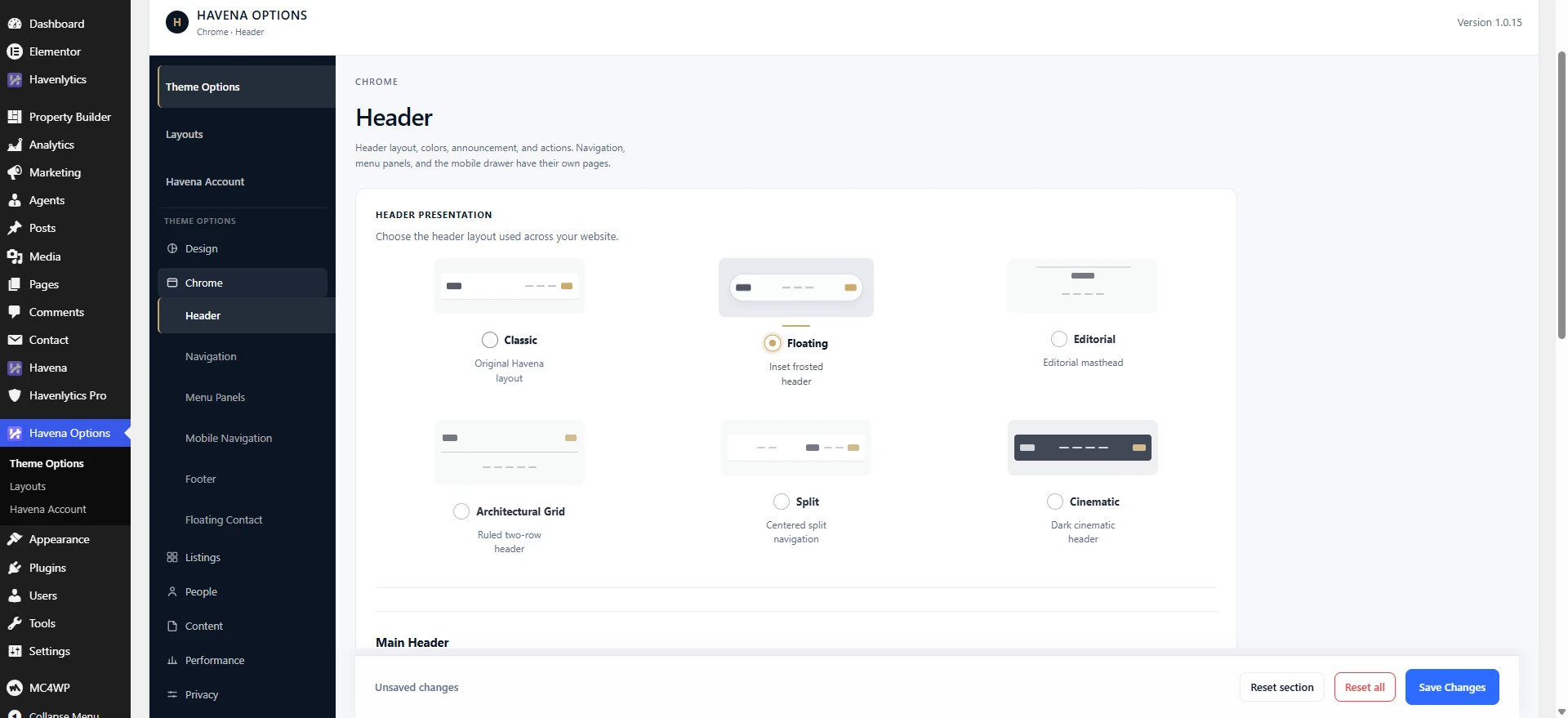
Open Havena Options in wp-admin. These settings are not under Appearance → Customize. Havena does not register its header, footer, or layout controls there. Branding does reuse the same Site Logo and Site Icon values as Customize → Site Identity.
Pages you can open
Havena Options includes Theme Options, Layouts, and Havena Account. Theme Options groups the information architecture below. This list is not a claim that every page has only one control.
- Design: Branding, Colors, Typography, Layout (content width and sidebar dimensions), Appearance.
- Chrome: Header, Navigation, Menu Panels, Mobile Navigation, Footer, Floating Contact.
- Listings: Property, Archive, Search, Map Search.
- People: Agents, Agencies.
- Content: Blog.
- Also present: Performance, Privacy, and a read-only System page. Import / Export is reserved and not offered as a finished tool.
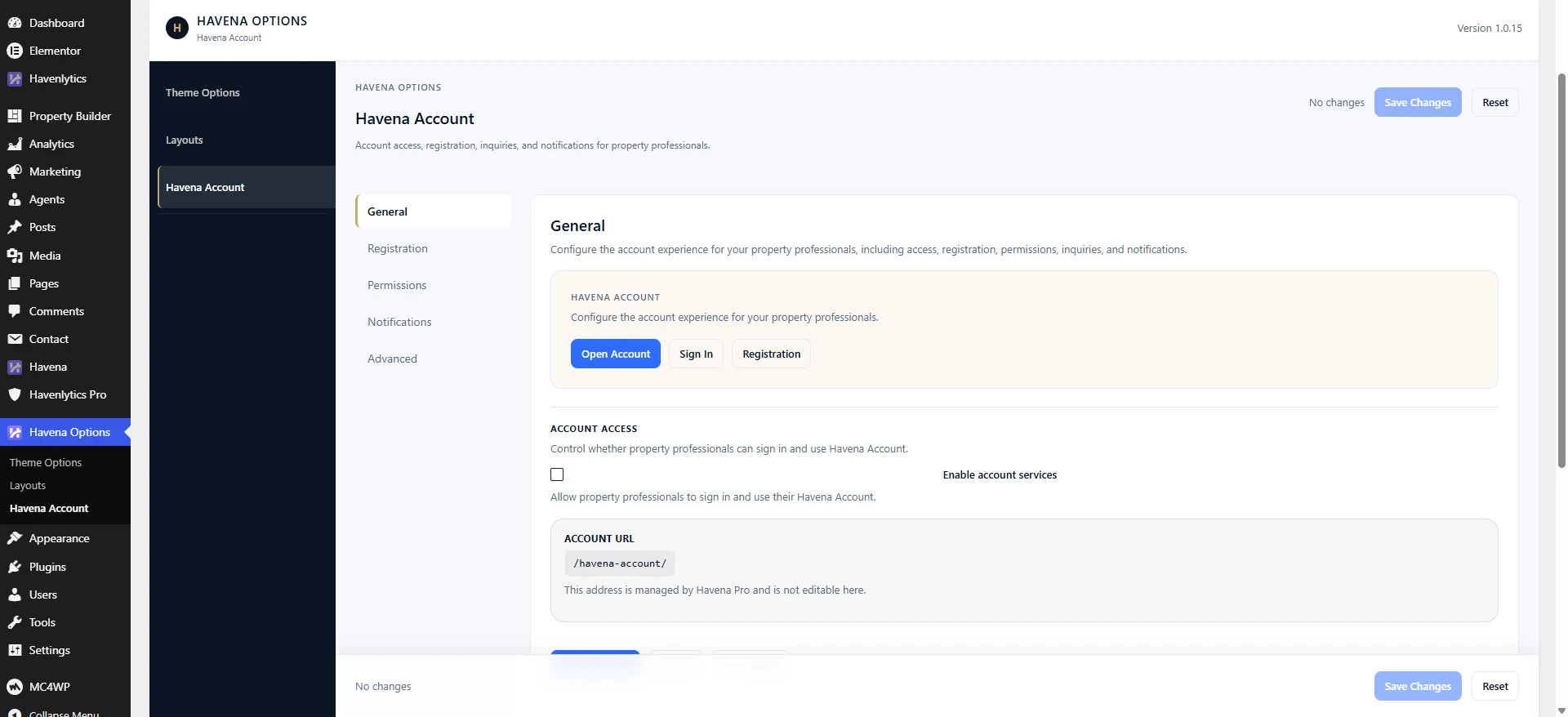
Layouts (separate Havena Options page)
Open Havena Options → Layouts for presentation controls that are not inside the Theme Options Chrome/Design groups:
- Single property layout — Default, Modern, or Luxury. The same registry value can also be set during Setup → Style → Starting Layout.
- Enable Mobile Agent Contact Dock (Mobile agent contact dock) — shows or hides the mobile agent contact bar on listings.
- Related listing presentation toggles on the same Layouts screen, such as Show agent contact in gallery and gallery options.
Controls customers ask for first
- Header → Header presentation (Theme Options → Chrome → Header) — Classic, Floating, Editorial, Architectural, Split, Cinematic. Top Bar Content chooses what the header top bar shows on styles that have one.
- Footer → Footer style — Classic, Grid, Atelier, Statement, Portal, Contact.
- Typography — Body Font and Heading Font.
- Layout — Content width, Wide content width, and Sidebar width.
- Colors — brand and interface colors for the theme.
More fields exist on each page, including footer newsletter, social icons, and mobile drawer actions. Use the labels on the page you opened. Do not treat this article as the full field list.
Listing data, Compare, and saved searches are not theme options. Edit those in Havenlytics and Havenlytics Pro.